The photo editor built for photo studios
Passport & ID photos in one click, AI background removal, face retouch, Photoshop-style layers and exact-size printing — all in one fast Windows app.
7 days free · No card needed · Windows 10 / 11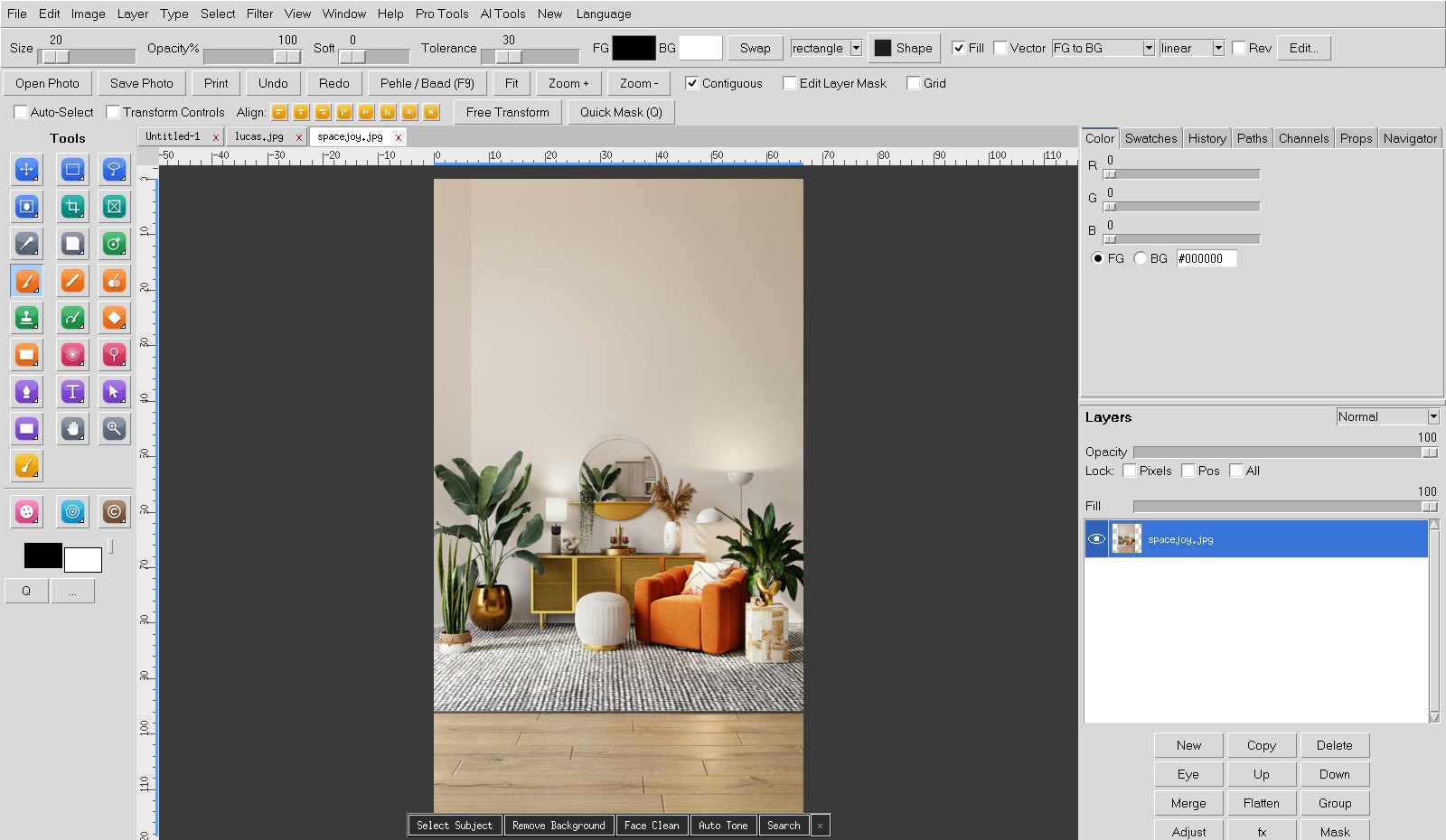
Passport & ID photos in one click, AI background removal, face retouch, Photoshop-style layers and exact-size printing — all in one fast Windows app.
7 days free · No card needed · Windows 10 / 11Stop switching between five programs. ChitraVega does the daily studio work faster — even without internet.
Passport, visa and ID photos for a whole folder: auto crop, head size, background colour, clean face — ready to print.
Remove or change the background in seconds. Works offline on your PC — photos never leave your computer.
Clean spots and patches, soften wrinkles, fresh look, even skin tone, teeth and eyes — natural, not plastic.
8 passport photos on a 4×6 sheet, A4 sheets and more. Prints at true size, no cropping by Windows.
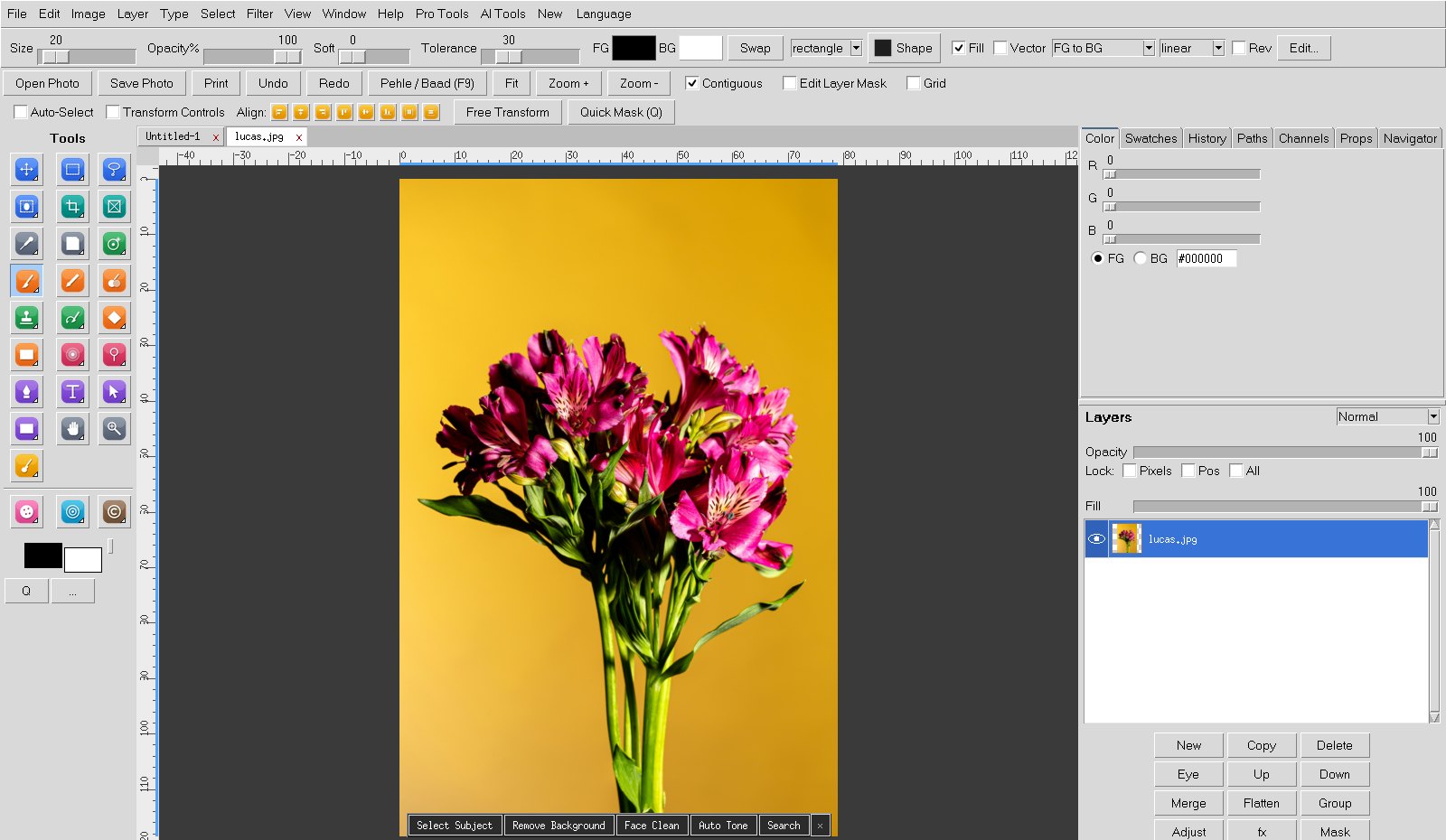
Layers, masks, adjustment layers, blend modes, healing brush, clone, magnetic lasso, curves, shapes and text.
Ready Hindi card designs, albums, collages and studio templates for quick customer orders.
Change clothes, colorize old photos, AI fill and HD — with your own free AI key.
Use the app in English, Hindi and other languages. Simple menus made for studio staff.
ChitraVega runs fully on your computer. Your customers' photos stay on your PC.
Start with a 7-day free trial — all features included. One plan works on one computer.
From download to your first printed passport sheet in a few minutes.
Install ChitraVega on your Windows PC. No account or card needed.
Every feature is unlocked during the trial.
Open Help → Subscription, choose a plan and pay. Nepal: eSewa.
Your plan is activated on your computer — no login or password.
Can't find your answer? Write to us — we reply quickly.
A Windows 10 or 11 (64-bit) computer with at least 8 GB RAM is recommended. Internet is needed for activation and once every few days for licence check.
Yes. Every new computer gets 7 days free with all features. No card is needed.
Inside the app open Help → Subscription. In Nepal you pay with eSewa and send the transaction code from the app. Online card / UPI payment for other countries is coming soon — until then, contact us.
One plan works on one computer. If you change your computer, contact support with your old and new Device ID and we will move your plan.
No. Editing and background removal run on your computer. Only optional online AI features send the photo you choose to the AI service, using your own key.
Please use the free trial first. See our Refund Policy for details.
Windows 10 / 11 · 64-bit · All features included
Download for WindowsWindows may show “Windows protected your PC” for new apps — click More info → Run anyway.